Remote tachograph download, with the company card elsewhere
The vehicle unit always needs a company card. It does not have to go on the road: it stays in our card hotel or in a card reader at your office. The app in the cab does the rest.
Patent pending Patent protection has been applied for on technology in the VYS Tacho apps.
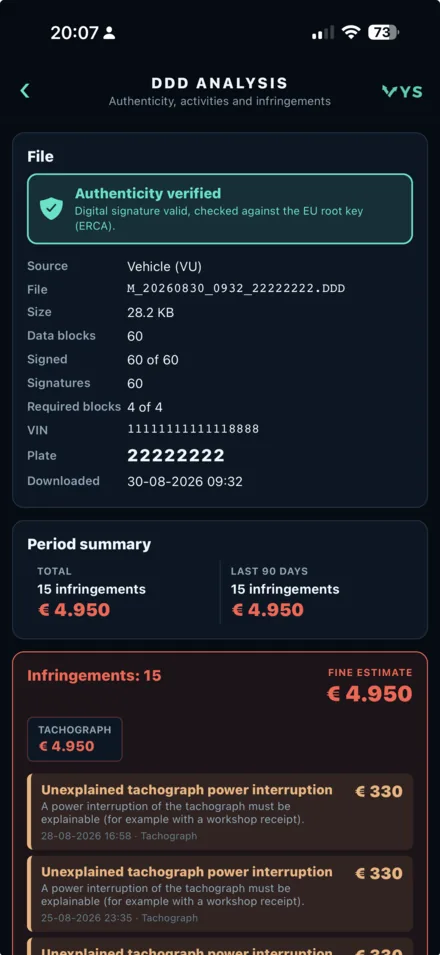
How remote download works
When the vehicle unit is downloaded, the tachograph asks for a company card. The app passes that request through the server to the card reader holding your company card. The card answers, the tachograph releases its memory and the app fetches 90 days.
- 90 days from the tachograph memory, in about four minutes
- Automatically right after the driver card download, if you switch it on
- The official DDD file, with the signature intact
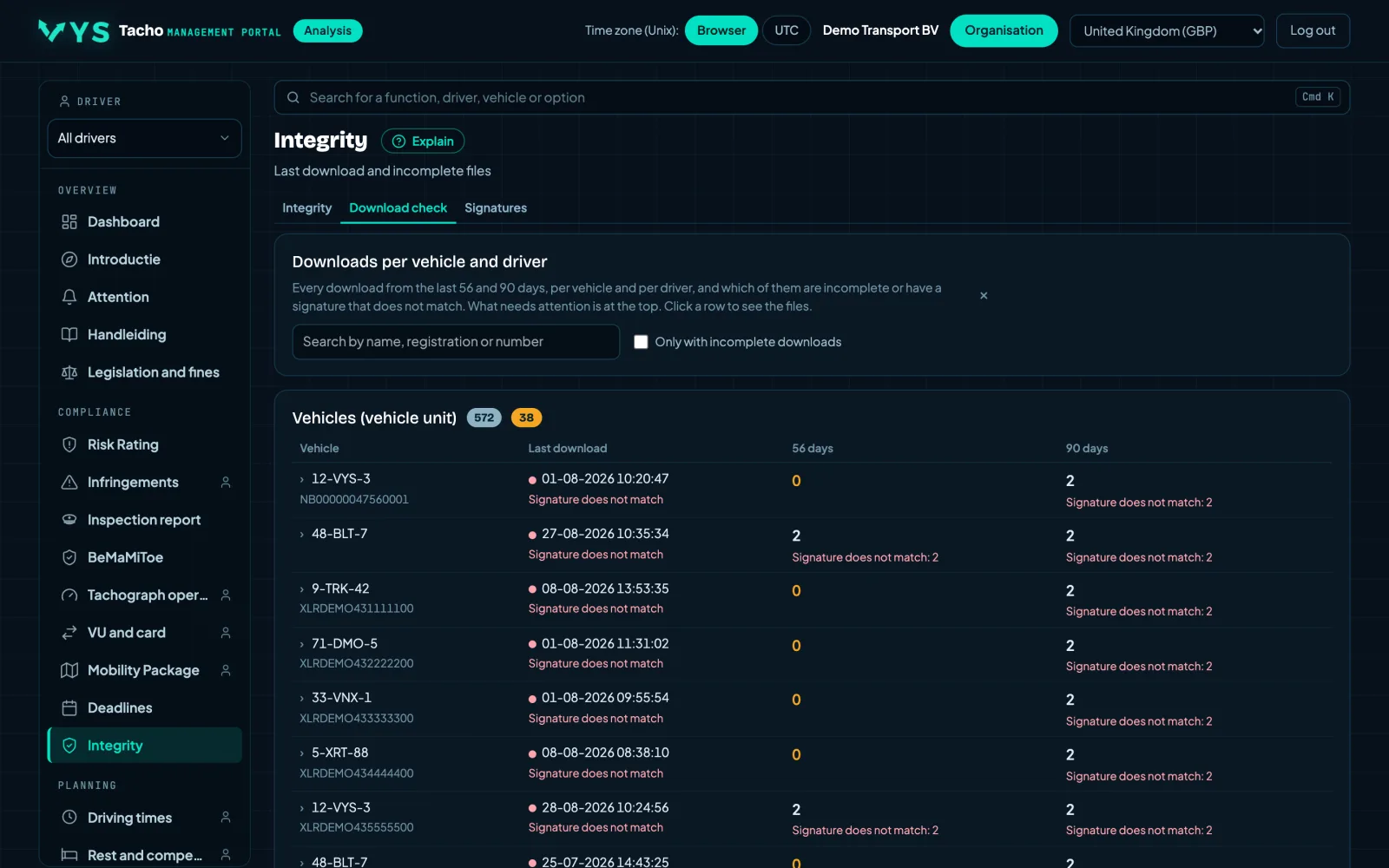
Two places for the company card
You choose where the company card is kept. Either way, it never goes on the road.
- In our card hotel: we keep the card in a card reader at VYS, you install nothing
- Locally at your office: a USB card reader on a computer with VYS Tacho Bridge (Windows or macOS)
- The portal shows whether a company card is ready
Which tachographs
Downloading with the company card elsewhere works with the VDO DTCO 4.1. With a Stoneridge SE5000 Smart 2 the company card has to be in the tachograph; the app then also fetches 90 days.
- VDO DTCO 4.1: company card remote, 90 days
- Stoneridge SE5000 Smart 2: company card in the tachograph, 90 days
- A DTCO 4.1b allows 24 remote authentications per day; the app keeps count
Frequently asked questions
Does the company card have to be in the truck?
Not with a VDO: it stays in our card hotel or in a card reader at the office. With a Stoneridge it does.
How long does a remote download take?
With a VDO about four minutes for 90 days.
Try it free for 7 days
Sign your company up, add your drivers and download your first file today.